


Smart Christmas LED Pixel Display, Car Window LED Display
Feature
🎄 Colorful Christmas Animations Bring Holiday Magic to Any Space
〰️ Flexible LED Panel Conforms to Gently Curved Surfaces
🎨 App & Remote Control: DIY Text, Images & Animations, Your Way
📏 Five Sizes for Different Display Needs
🪟 Add Holiday Cheer to Car, Home & Storefront Windows


Specification
Material: PVC
Control: Smartphone App & Remote Control
Power Source: USB Powered
- 16 × 32 Pixels | 512 LEDs
Product Weight: 0.52 lbs (0.238 kg)
Product Dimensions: 2.76 × 6.81 in (7 × 17.3 cm)
Package Dimensions: 3.54 × 3.54 × 4.33 in (9 × 9 × 11 cm) - 16 × 64 Pixels | 1,024 LEDs
Product Weight: 0.68 lbs (0.307 kg)
Product Dimensions: 3.62 × 14.72 in (9.2 × 37.4 cm)
Package Dimensions: 3.54 × 3.54 × 4.33 in (9 × 9 × 11 cm) - 20 × 64 Pixels | 1,280 LEDs
Product Weight: 0.70 lbs (0.317 kg)
Product Dimensions: 4.02 × 13.70 in (10.2 × 34.8 cm)
Package Dimensions: 3.54 × 3.54 × 4.33 in (9 × 9 × 11 cm) - 16 × 96 Pixels | 1,536 LEDs
Product Weight: 0.92 lbs (0.417 kg)
Product Dimensions: 4.72 × 23.43 in (12 × 59.5 cm)
Package Dimensions: 3.94 × 3.94 × 5.12 in (10 × 10 × 13 cm) - 16 × 96 Pixels Plus | 1,536 LEDs
Product Weight: 2.38 lbs (1.08 kg)
Product Dimensions: 7.56 × 35.35 in (19.2 × 89.8 cm)
Package Dimensions: 7.99 × 4.45 × 4.45 in (20.3 × 11.3 × 11.3 cm)
Package
iToolMax Christmas LED Pixel Display × 1
Cable × 1
Remote × 1
User Manual × 1
Why Choose iToolMax?
🚚Fast, Free Shipping
Free shipping on all items to most locations nationwide.It usually takes 4-7 business days for your package to be delivered, so you can sit back and relax, worry-free.
🔙30-Day Risk-Free Trial
Try it worry-free! Full refund within 30 days if you’re not satisfied.
🔄1 Year Warranty
We provide a one-year warranty to every customer who purchases our products, so you can use them with peace of mind!
🤛Lifetime Customer Support
We'll Always be There for You. If you have any questions or concerns, feel free to contact us at support@itoolmax.com or online chat.
♻️ Safe Payment & Secure Privacy
All data is encrypted.Your information will be kept secured.Protecting your privacy is important to us!
✅ Trusted by 200,000+ Customers
Verified by real users—shop with confidence and ease.
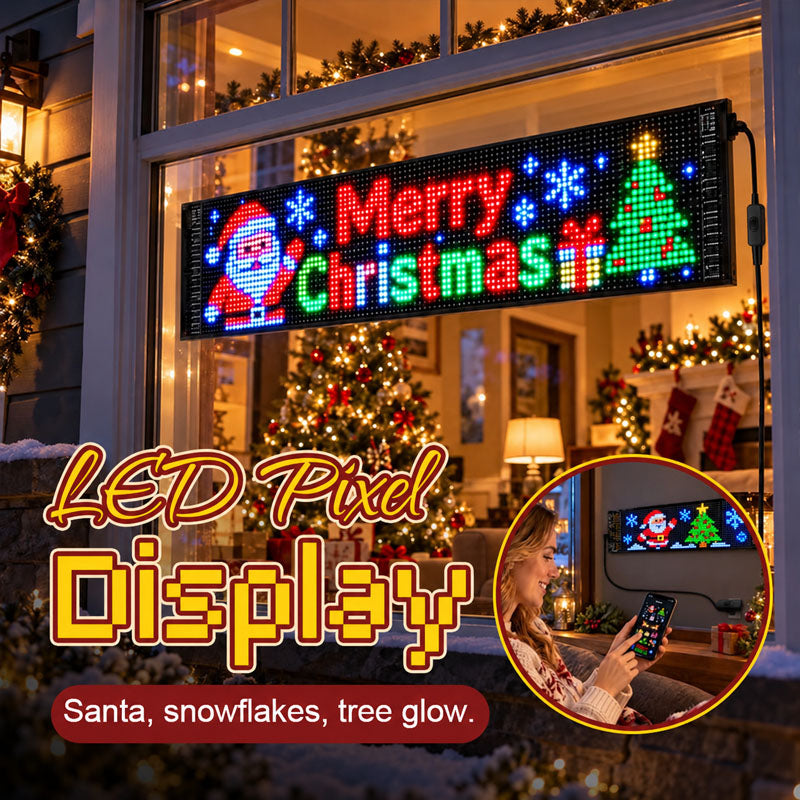
🎄 Make Spirits Bright with Christmas in Motion
Imagine Santa, snowflakes and a Christmas tree lighting up your window as everyone gathers for the evening. 🎅🎄✨
iToolMax Smart Christmas LED Pixel Display turns your window into a lively Christmas scene. More captivating than traditional static lights—giving passersby a reason to stop and enjoy the show.
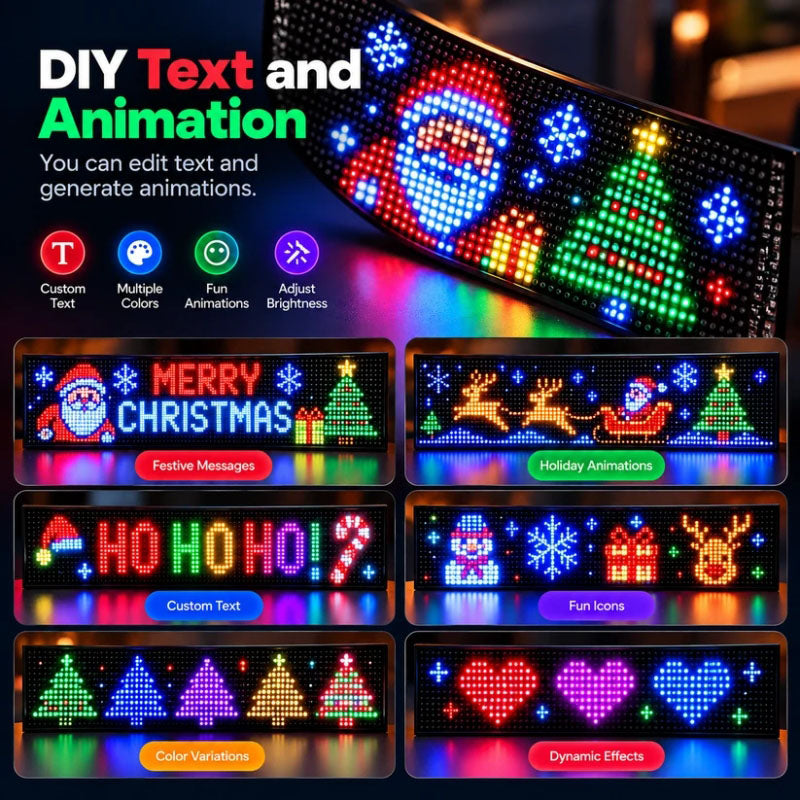
🎨 DIY Your Own Holiday Magic
Choose from 2,000+ designs or use the app to create personalized text, images, and animations. Switch up your display anytime to match Christmas celebrations, holiday parties, or seasonal decorating themes.
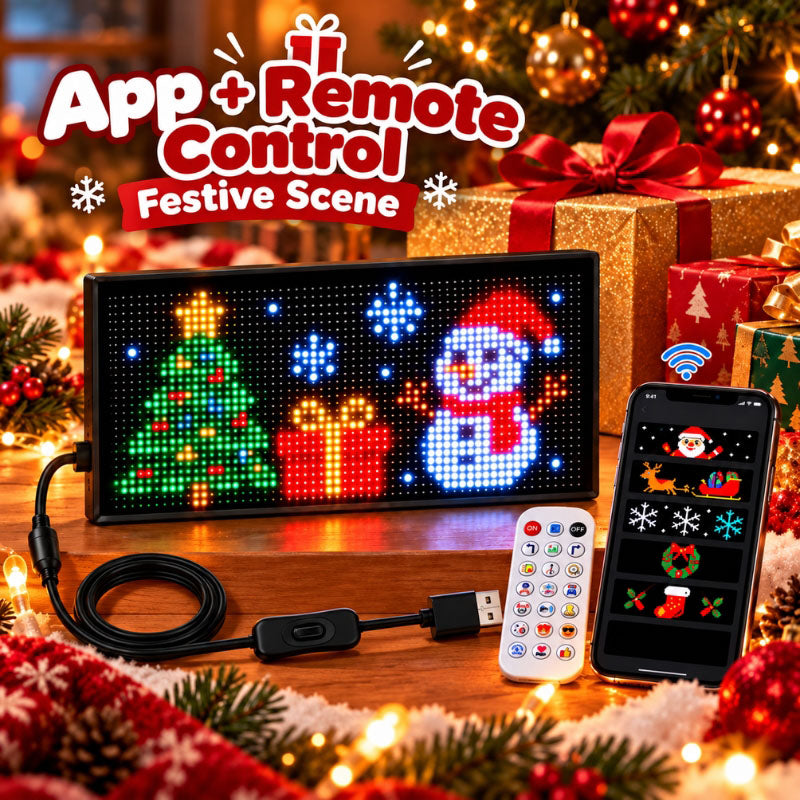
📱 Easy Control: App + Remote
Switch up your Christmas display with the iPixel Color app or remote. Easily change themes, modes, and brightness to match a family gathering, holiday party, or quiet evening at home.
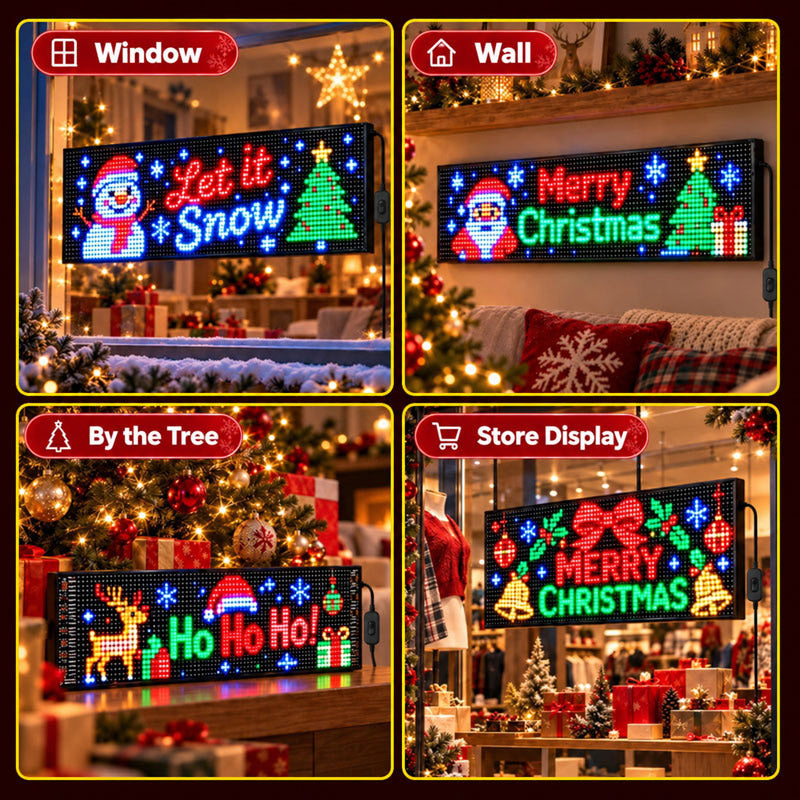
🎉 Christmas Cheer for Every Space
The flexible Christmas LED Pixel Display fits gently curved surfaces, bringing festive animations to your car, home, or shop.
🚗 Car rear windows
🪟 Home windows
📚 Desks and shelves
🎄 Beside the Christmas tree
🖼️ Walls
🏬 Storefront windows
FAQ
Can I create my own designs on the LED pixel display?
Yes! Create custom graphics, animations, and text directly in the iPixel Color app, then display them on iToolMax Christmas LED pixel display.
Does the LED Christmas Light include ready-made designs?
Yes! The iPixel Color app offers thousands of designs and animation effects for iToolMax LED pixel display—perfect for a personalized Christmas decoration.
Will the LED pixel display fit my vehicle?
Yes! iToolMax Christmas LED pixel display conforms to gently curved car windows for a close fit. Choose from five sizes. Measure your window before ordering and keep driver visibility clear.
Is the LED pixel display waterproof?
Yes! iToolMax LED pixel display has an IP65 rating for dust protection and resistance to water jets. Keep USB connections dry and do not submerge these LED decorative lights.
How do I set up the LED pixel display?
Set up your LED pixel display in five steps:
- Secure it inside a compatible rear window using adhesive tape.
- Connect it to USB power and turn it on.
- Enable Bluetooth on your phone.
- Open the iPixel Color app and connect the display.
- Choose a preset design or create your own graphics, animations, and text.
I like switching between the playful characters and snowflakes. Same display, slightly different feel depending on what we have going on that evening.
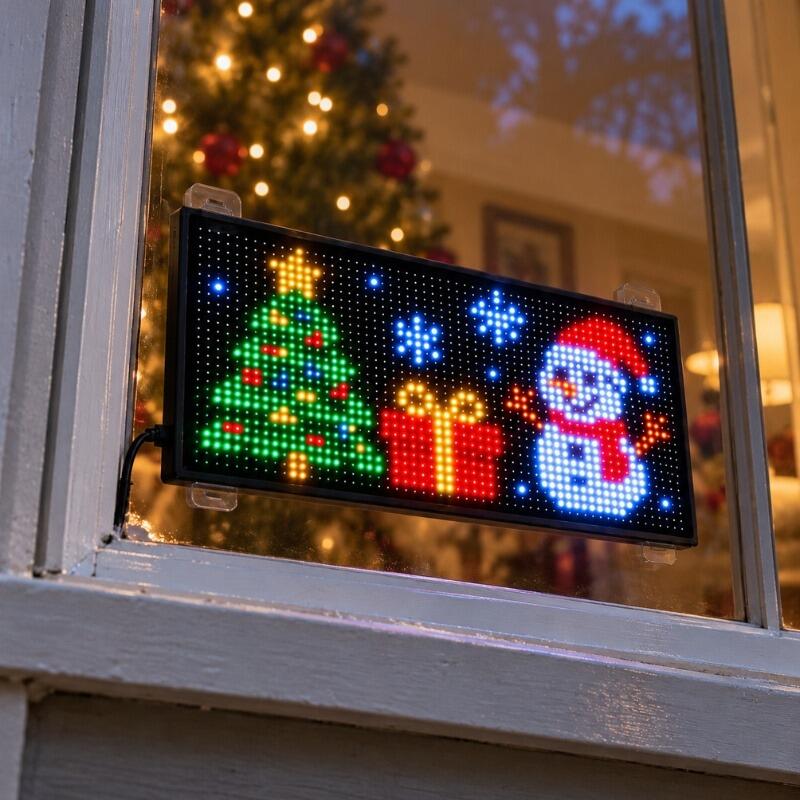
We added this to our shop window alongside the usual decorations. The moving Christmas designs give the setup a little extra character.

I didn’t want something that would take over the whole window. Having five sizes to choose from made it easier to find one that worked for our space.
We made a little Christmas greeting with our family name. That’s my favorite part—getting to make the display feel like ours.
We put it on the wall near our Christmas setup. It adds some movement without needing to redo all the decorations we already have.
The colors really stand out once it gets dark. The snowman animation is my favorite so far.
I like using the app to browse designs, but the remote is handy when I just want to change things without grabbing my phone.
My husband made an animation, and I added a holiday message. We had a good time putting it together instead of just unpacking another decoration.
I wanted colorful lights, but not the same brightness all evening. Being able to turn it down for a quieter night at home is a nice touch.
There are plenty of designs to browse in the app. I keep coming back to the simple Christmas ones, but it’s nice having options.
Such a cute addition to my car! I love changing the designs, and the Christmas graphics look even better in person.”
We usually stick with the same decorations every year. This gives us something we can change up while keeping the rest of our Christmas setup.
I thought I’d pick one Christmas design and leave it there. Turns out, playing around with the different animations is half the fun.
Our rear window has a slight curve, so I was glad the panel was flexible. I measured before ordering, and the size I picked worked well.
I let the kids choose what goes in the window. We’ve had Santa, a tree, and snowflakes this week. Apparently, we’re changing it every night now.